
The app is ready. Are you?
SportConnectGN is free on iPhone and Android. Activities, partners, clubs, tournaments and AI coach: everything you discover on this site is waiting for you in the app.



Scan to download
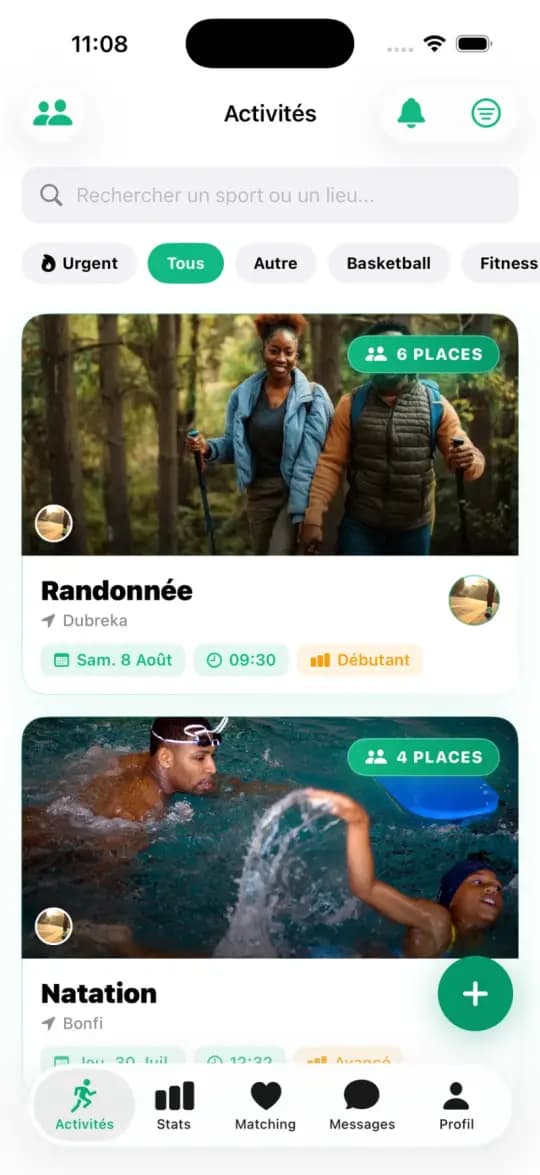
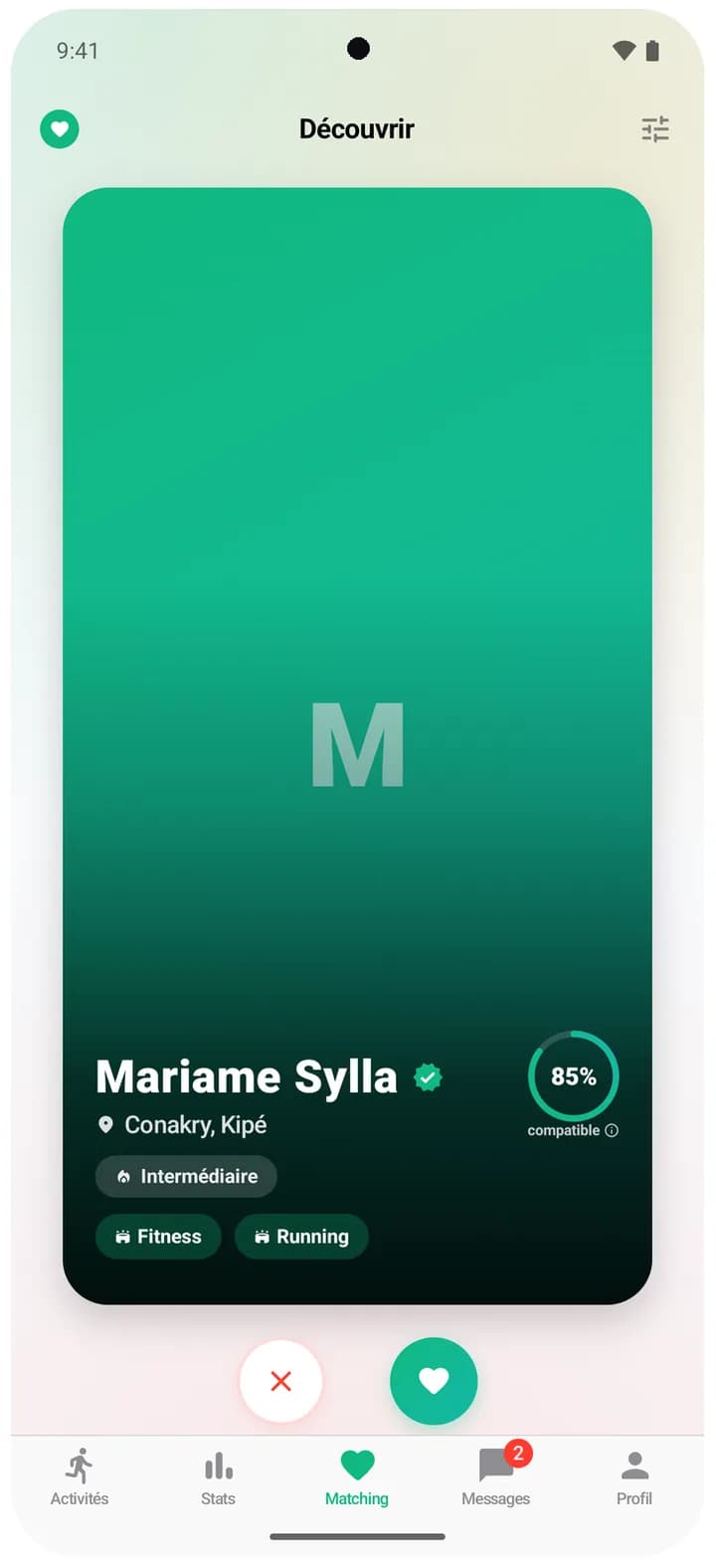
Is your phone compatible?
The same screens on both, plus what is specific to each phone.
| iPhone | Android | |
|---|---|---|
| System | iOS 18 or later | Android 8.0 or later |
| Price | Free | Free |
| Sign-in | Apple, Google or email | Google or email |
| Health and watches | Apple Health and Apple Watch | Health Connect and smartwatches |
| Home screen widget | Yes | Yes |
| App lock | Face ID or Touch ID | Fingerprint or face |
| App language | French | French |
| |
Ready in two minutes.
1
Open your store
Tap the App Store or Google Play badge, or scan the QR code with your phone's camera.
2
Install the app
It's free, on iPhone and Android alike.
3
Create your account
With Google, with Apple on iPhone, or with your email. Pick your sports, and off you go.
Invited by a friend?
Did a friend give you a referral code? Enter it when you create your account, or within the 7 days after.
Good to know
- Is the app free?
- Yes, completely free, on iPhone and Android.
- Which phones are compatible?
- iPhones running iOS 18 or later, and phones running Android 8.0 or later.
- Does it use a lot of data?
- Turn on data saver in Settings: lightweight photos, no autoplay for the welcome video and the map hidden. Screens you have already viewed stay readable when the connection gets weak.
- Can I use it on a computer?
- The site lets you browse activities and venues. To sign up, chat or track your workouts, use the app on your phone.
- How do I delete my account?
- From the app's Settings, or from the Delete my account page on the site, without installing the app.